
← Nose News
June 26, 2026
How to Identify a Perfume From a Photo (Bottle Scan): Fixes for Failed Scans + What Info You Should Get Back
June 26, 2026
## Why bottle scans fail (and why it’s not your fault)
“Identify this perfume” sounds simple—until you try scanning a bottle with a reflective cap, curved glass, tiny lettering, and a label that’s half-worn off.
Most failed perfume ID scans come down to one of four issues:
- **Glare + reflections** (glass and metallic caps confuse visual recognition)
- **Low contrast text** (clear labels, embossed logos, or pale ink)
- **Partial views** (the app can’t see enough of the front label and shape)
- **Look‑alikes** (many flankers and limited editions share nearly identical bottles)
The good news: a few small changes in how you photograph the bottle dramatically improves accuracy.
## The fastest way to identify a perfume from a photo (best-practice scan)
If you want the highest success rate on the first try, use this quick setup:
1. **Clean the bottle quickly**
- Wipe fingerprints off the front label and glass (microfiber cloth or tissue).
2. **Use bright, indirect light**
- Stand near a window or use a lamp that bounces off a wall.
- Avoid overhead bathroom lighting (it creates harsh glare on curved glass).
3. **Choose a plain background**
- A white wall, neutral countertop, or a sheet of paper helps the camera separate bottle edges from the scene.
4. **Turn off flash**
- Flash almost always adds hotspots on glass and metallic caps.
5. **Fill the frame with the bottle**
- The label should be readable, and the bottle shape should be clear.
- Don’t crop off the cap—cap style is often part of the “fingerprint.”
6. **Take 3 photos, not 1**
- **Straight-on front** (label + brand)
- **Back** (often includes concentration and manufacturer details)
- **Bottom** (batch code, sticker, or product code)
That 3-angle approach is the single most reliable “human hack” for any perfume bottle scanner.
## Troubleshooting: common scan problems and how to fix them
### Problem: “No match found”
Try these fixes:
- **Move closer** until the label is sharp, then tap to focus on the text.
- **Add more light** (indirect daylight is best).
- **Switch angles**: a slightly higher or lower angle can reduce reflection on the label.
- **Remove the cap** if it blocks the label or creates strong glare.
### Problem: It matches the wrong perfume (often the wrong flanker)
This happens a lot with popular lines where bottles look nearly identical.
Fix it by capturing what differentiates flankers:
- **Concentration words:** *Eau de Parfum, Eau de Toilette, Parfum, Extrait*
- **Color cues:** juice color, label color, ribbon color, gradient glass
- **Name modifiers:** *Intense, Absolu, Elixir, Sport, L’Eau, Cologne*
- **Size + country codes** on the bottom sticker (sometimes unique to a release)
Tip: photograph the **box** if you have it—boxes usually include the full official name and concentration in clearer print than the bottle.
### Problem: The label is worn off or the bottle is unbranded
If you have a “mystery bottle” (common with decants, gifts, or older bottles):
- Photograph **the atomizer and cap** (distinctive shapes help)
- Photograph **the bottom sticker** (even partial numbers help narrow it down)
- Look for **embossed glass** (some brands imprint logos into the bottle)
- If there’s a **batch code**, capture it clearly (more below)
If there’s truly no readable branding, you may need a combination of: bottle shape + approximate era + scent description.
### Problem: The bottle is too reflective (metallic caps, mirrored labels)
Reflection is the #1 enemy of bottle scanning.
Try:
- **Rotate the bottle** slightly (5–15 degrees) so the label isn’t reflecting the light source.
- **Diffuse the light**: shoot near a window with a sheer curtain, or bounce a lamp off a wall.
- **Use portrait mode carefully**: it can sharpen the bottle and blur the background, but sometimes smears tiny text—take one portrait and one normal photo.
### Problem: The scan works, but the info is incomplete
An identification should ideally return enough information to confirm you’ve got the right fragrance. If it only returns “Brand + Name” with no concentration, year, or bottle details, you may still be at risk of misidentifying a flanker.
In that case, run a second scan using the **back** and **bottom** photos.
## What information you *should* get back from a reliable identification
When an AI perfume identifier (or any perfume name finder) gives you a result, it should help you verify it—not just guess. Here’s what “good” looks like.
### Core identification (minimum viable)
- **Brand / house name**
- **Full fragrance name** (including modifiers like *Intense* or *Elixir*)
- **Concentration** (EDT/EDP/Parfum/Extrait)
### Verification details (high confidence)
- **Bottle description** (color, cap shape, label style)
- **Release year** (helps distinguish reformulations and older editions)
- **Perfumer** (nice to have; can confirm you’re on the right page)
### Useful “collector” details (great for cataloging)
- **Batch code field** (so you can record it)
- **Size** (50 ml / 100 ml etc.)
- **Vault-ready notes**: key notes or accords, and how it’s typically described (fresh citrus, solar floral, woody amber, etc.)
If your result doesn’t include at least the core identification, treat it as a lead—not a confirmed match.
## Batch codes, bottom stickers, and why they matter
The **bottom of the bottle** (or box) often has a sticker with:
- **Batch code** (letters/numbers stamped or printed)
- **Barcode / UPC**
- **Size and concentration**
- **Distribution info**
A batch code usually won’t tell you the exact fragrance name by itself—but it can help:
- confirm you’re looking at the right **brand/manufacturer format**
- estimate **production timeframe** (useful when bottles have been reformulated or renamed)
- distinguish **older bottles** from current ones
Practical tip: take a photo that’s sharp enough to read the batch code later—don’t rely on your memory.
## How to identify perfume when you only have a screenshot (TikTok/IG/Pinterest)
If you’re trying to identify a perfume from a creator’s post or a blurry screenshot:
- **Zoom and crop** to just the bottle before scanning
- Look for **distinctive geometry**: bottle silhouette, cap shape, label placement
- Try multiple frames if it’s a video
- If the creator tagged the brand, scan the **brand’s bottle lineup** mentally: many houses reuse signature bottle shapes across releases
If the bottle is generic (common with private-label or dupe brands), your best bet is to search by any visible words + bottle shape.
## Build a personal “Fragrance Vault” so you don’t have to re-identify bottles later
Once you identify a perfume, the next pain point is losing track of it—especially if you sample a lot, buy travel sprays, or keep decants.
A simple vault system prevents:
- rebuying the same scent by accident
- forgetting which flankers you liked
- mixing up EDT vs EDP performance expectations
What to save for each bottle (quick template):
- Name + concentration
- Where you smelled/bought it
- Season/occasion notes (work, date night, hot weather, etc.)
- Your rating + 1–2 sentence impression
- A photo of the bottle and/or box
Over time, this becomes the best input for truly personalized recommendations—because it captures *your* preferences, not just “popular notes.”
## Quick checklist: get better scan results in 30 seconds
- Clean the bottle front
- Bright, indirect light; flash off
- Plain background
- Fill the frame
- Take front + back + bottom photos
- Capture concentration words and any modifier (Intense/Absolu/etc.)
## If you want, we can help you ID it—and keep it organized
If you’ve got a bottle (or a screenshot) you can’t place, try scanning it and saving the result to your Fragrance Vault so it’s easy to reference later. If the first scan doesn’t work, use the troubleshooting steps above and rescan with a clearer front/back/bottom set for the best match.
Find your next scent
Browse scent profiles, notes, and houses — or let the Scent Finder match you to a fragrance in four questions.
October 14, 2026
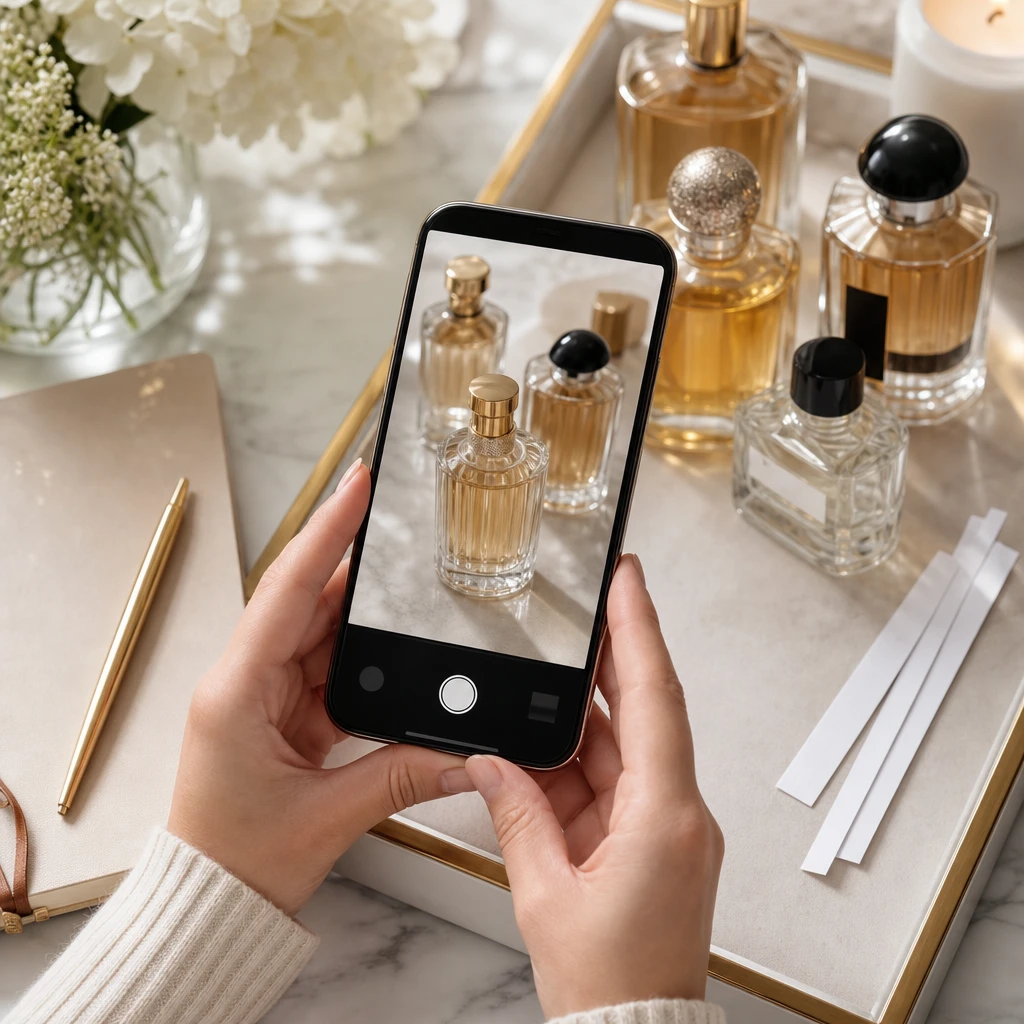
Perfume finder apps have leveled up fast: smarter AI, better bottle scans, and collection “vaults” that help you remember what you own (and what you actually love). Here’s what to look for in 2026—and how to choose the right app for your scent journey.
October 12, 2026
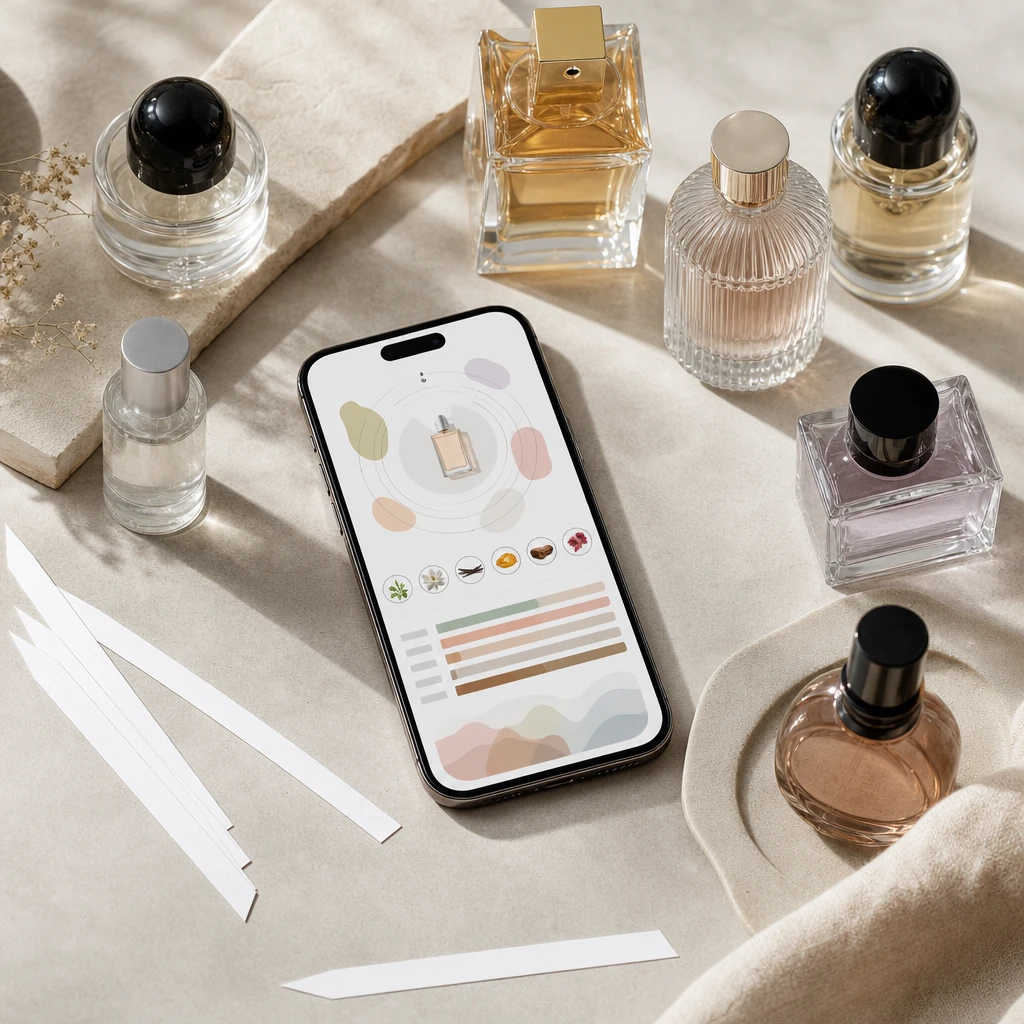
Finding a signature scent doesn’t have to mean buying a dozen discovery sets and hoping something clicks. Here’s a modern, realistic process—powered by a clear scent profile and smarter recommendations.
October 9, 2026
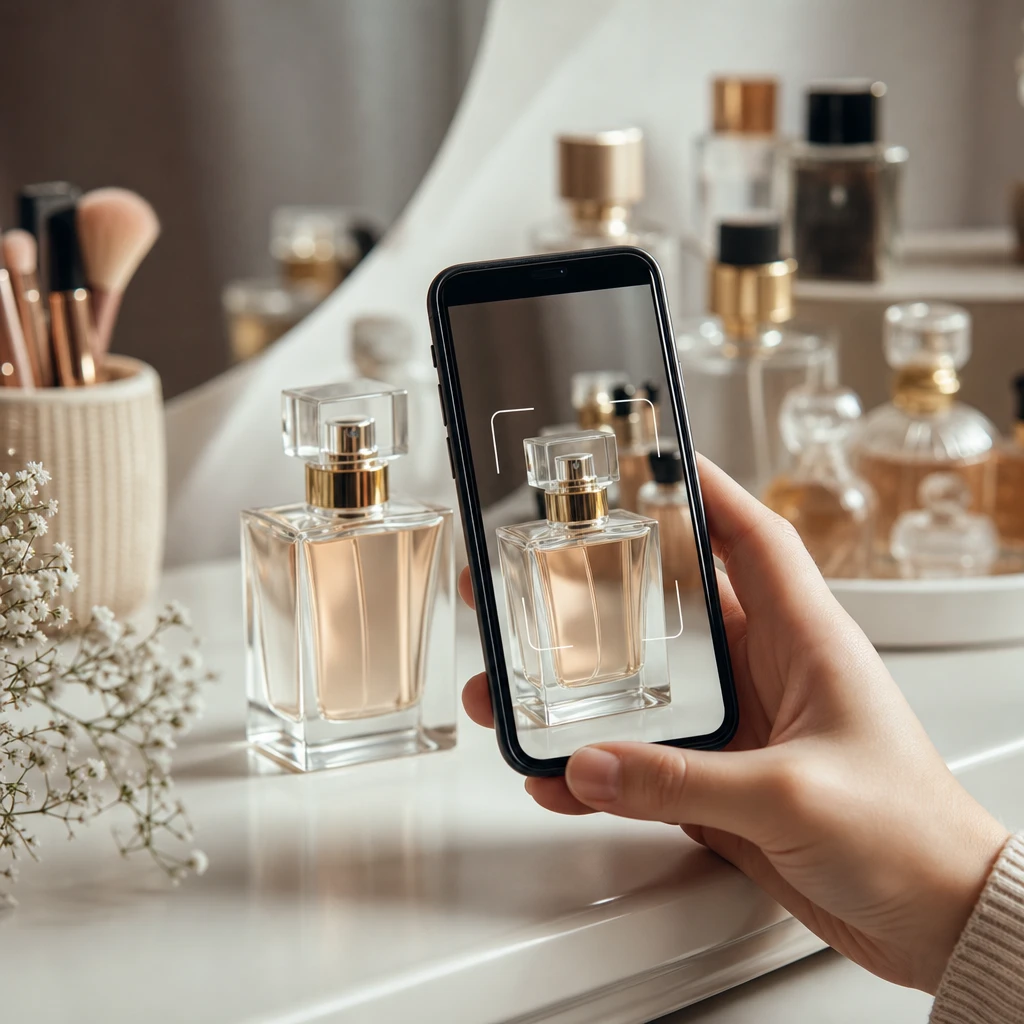
Trying to identify a perfume bottle from a photo? Here’s how perfume scanner apps work in 2026, how to scan bottles and labels for accurate matches, and how to fix the most common scan errors—especially when flankers and lookalike bottles confuse results.